Mastering 3D Modeling: A Comprehensive Guide for Beginners
MB
Introduction to 3D Modeling
3D modeling has revolutionized industries from gaming to architecture, allowing creators to bring their visions to life in a virtual environment. As a beginner, diving into 3D modeling can seem daunting, but with the right approach, you can master the basics and start creating your own digital masterpieces. This guide will walk you through the essential steps and tools you'll need to get started.
Understanding the Basics
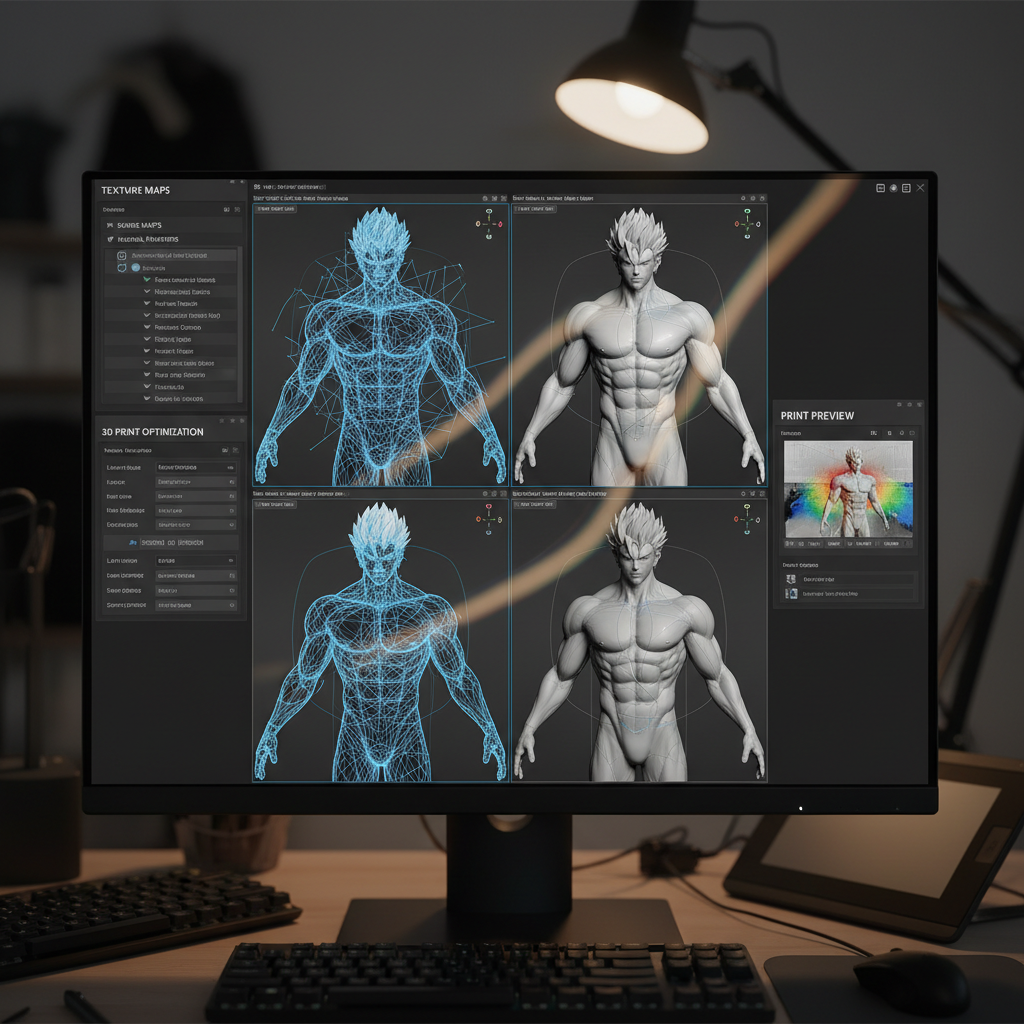
Before jumping into software, it's crucial to understand what 3D modeling is. At its core, it involves creating a three-dimensional representation of an object using specialized software. These models can be as simple as a cube or as complex as a detailed character for a game. Key concepts to grasp include vertices, edges, and faces, which are the building blocks of 3D objects.
Familiarize yourself with basic geometric shapes, as they are the foundation of any model. Knowing how to manipulate these shapes will help you create more complex structures as you progress.
Choosing the Right Software
The software you choose will significantly impact your learning curve and the quality of your work. Popular options include Blender, which is free and open-source, and Autodesk Maya, known for its robust features and industry use. Beginners might prefer Blender due to its supportive community and vast array of tutorials.
Getting Started with Your First Model
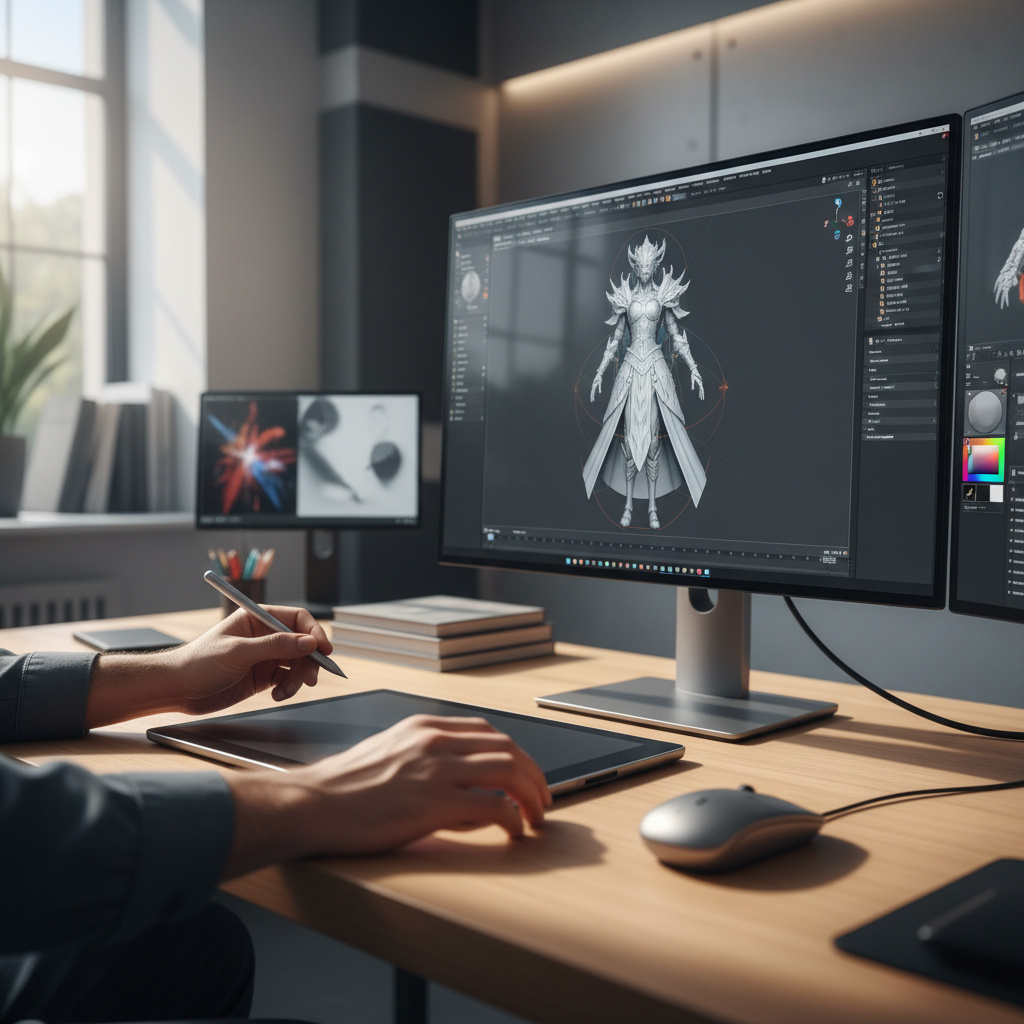
Once you've selected your software, start by creating simple objects. Begin with basic shapes like cubes and spheres, then practice modifying them using functions like extrude, rotate, and scale. This hands-on practice is essential for understanding the tools and functions available in your software.
It's also helpful to follow along with tutorials or courses designed for beginners, as they provide step-by-step guidance and tips. Many platforms offer free resources, so take advantage of them to build your skills.
Exploring Advanced Techniques
As you become more comfortable with the basics, start exploring more advanced techniques such as texturing, lighting, and rendering. Texturing involves adding colors and patterns to your models, making them more realistic. Lighting is crucial for setting the mood and highlighting specific features of your model.

Practicing and Building Your Portfolio
Practice is key to mastering 3D modeling. Regularly create new models to challenge yourself and learn new techniques. As you progress, consider building a portfolio to showcase your best work. This can be invaluable if you plan to pursue a career in fields such as game design, animation, or architecture.
Join online communities and forums where you can share your work and receive feedback. Engaging with other 3D artists can provide inspiration and valuable insights.
Conclusion
Mastering 3D modeling takes time and dedication, but with the right tools and resources, anyone can learn to create stunning digital art. Remember to start with the basics, choose the right software, and continually practice and experiment. As you grow more confident in your skills, the possibilities of what you can create are endless.